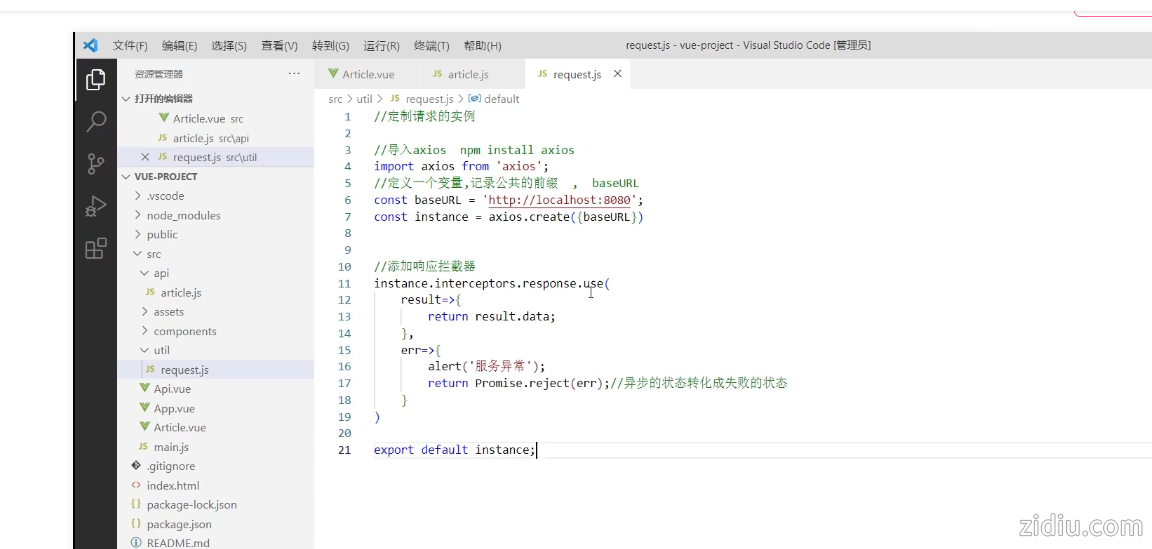
util/request.js
- //定制请求的实例
-
- //导入axios npm install axios
- import axios from 'axios';
- //定义一个变量,记录公共的前缀 , baseURL
- const baseURL = 'http://localhost:8080';
- const instance = axios.create({baseURL})
-
-
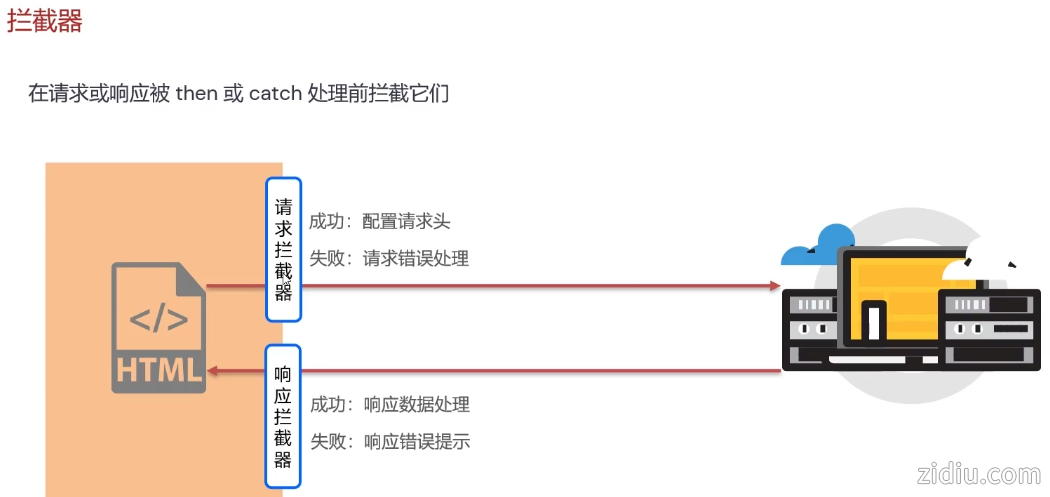
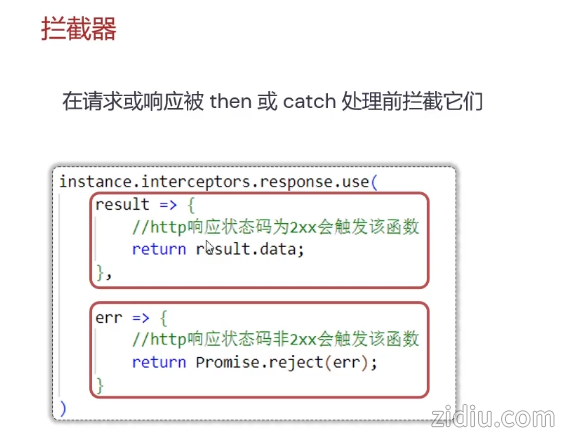
- //添加响应拦截器
- instance.interceptors.response.use(
- result=>{
- return result.data;
- },
- err=>{
- alert('服务异常');
- return Promise.reject(err);//异步的状态转化成失败的状态
- }
- )
-
- export default instance;
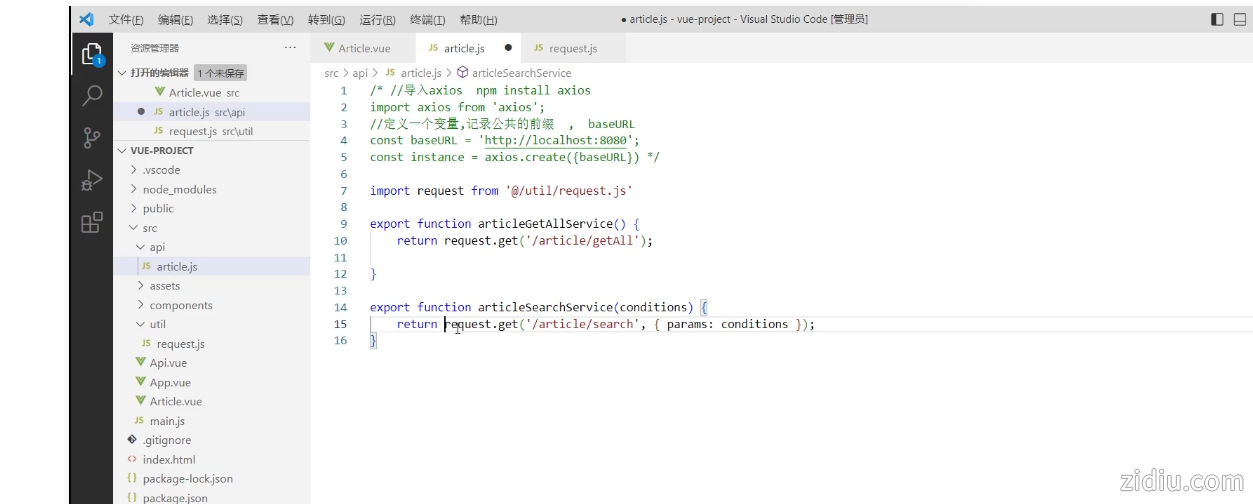
api/article.js
- /* //导入axios npm install axios
- import axios from 'axios';
- //定义一个变量,记录公共的前缀 , baseURL
- const baseURL = 'http://localhost:8080';
- const instance = axios.create({baseURL}) */
-
- import request from '@/util/request.j s'
-
- export function articleGetAllService() {
- return request.get('/article/getAll');
-
- }
-
- export function articleSearchService(conditions) {
- return request.get('/article/search', { params: conditions });
- }
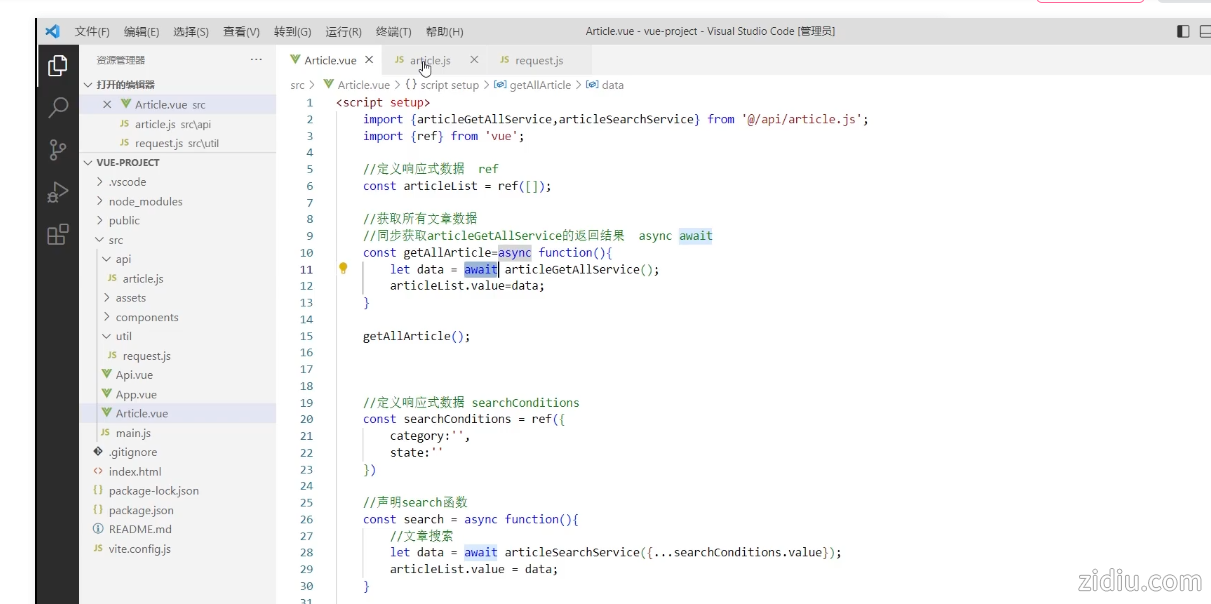
article.vue
- <scrip t setup>
- import {articleGetAllService,articleSearchService} from '@/api/article.j s';
- import {ref} from 'vue';
-
- //定义响应式数据 ref
- const articleList = ref([]);
-
- //获取所有文章数据
- //同步获取articleGetAllService的返回结果 async await
- const getAllArticle=async function(){
- let data = await articleGetAllService();
- articleList.value=data;
- }
-
- getAllArticle();
-
-
-
- //定义响应式数据 searchConditions
- const searchConditions = ref({
- category:'',
- state:''
- })
-
- //声明search函数
- const search = async function(){
- //文章搜索
- let data = await articleSearchService({...searchConditions.value});
- articleList.value = data;
- }
-
- </scrip t>
-
- <template>
- <!-- html元素 -->
- <div>
-
- 文章分类: <input type="text" v-model="searchConditions.category">
-
- 发布状态: <input type="text" v-model="searchConditions.state">
-
- <button v-on:click="search">搜索</button>
-
- <br />
- <br />
- <table border="1 solid" colspa="0" cellspacing="0">
- <tr>
- <th>文章标题</th>
- <th>分类</th>
- <th>发表时间</th>
- <th>状态</th>
- <th>操作</th>
- </tr>
- <tr v-for="(article,index) in articleList">
- <td>{{article.title}}</td>
- <td>{{article.category}}</td>
- <td>{{article.time}}</td>
- <td>{{article.state}}</td>
- <td>
- <button>编辑</button>
- <button>删除</button>
- </td>
- </tr>
- </table>
- </div>
- </template>
|  |Archiver|自丢网
( 粤ICP备2024252464号-1 )
|Archiver|自丢网
( 粤ICP备2024252464号-1 )



 发表于 2026-3-5 10:09:10